
If your WordPress SEO isn’t bringing traffic, chances are you’re making some hidden mistakes that are quietly killing your rankings. Even tiny mistakes like not following WordPress technical SEO best practices or choosing the wrong WordPress SEO plugins can destroy your visibility on Google.
Many sites also have WordPress duplicate pages SEO issues, and ignore important WordPress speed optimization. Both directly affect user experience and search performance.
The worst part?
Most site owners don't even realize these errors are happening until traffic drops.
In this guide, we’ll show you the most common WordPress SEO mistakes that can hurt your rankings and show you exactly how to fix them before they cost you valuable organic traffic.
Why WordPress SEO Matters More Than Ever
With over 40% of all websites on the internet using WordPress, competition is stiff. Just throwing out blog posts isn’t going to cut it anymore. Google now prefers technically optimized, fast, mobile-friendly, user-focused websites.
That’s when the WordPress SEO tech comes into play. Technical health, crawlability, site structure, and loading speed are all things that affect the ability of your content to rank or get buried on page five.
Many businesses pour money into content and neglect their technical foundations. It's like building a luxury house on weak concrete. No matter how good the design is, it will break in the end.
Common WordPress SEO Mistakes
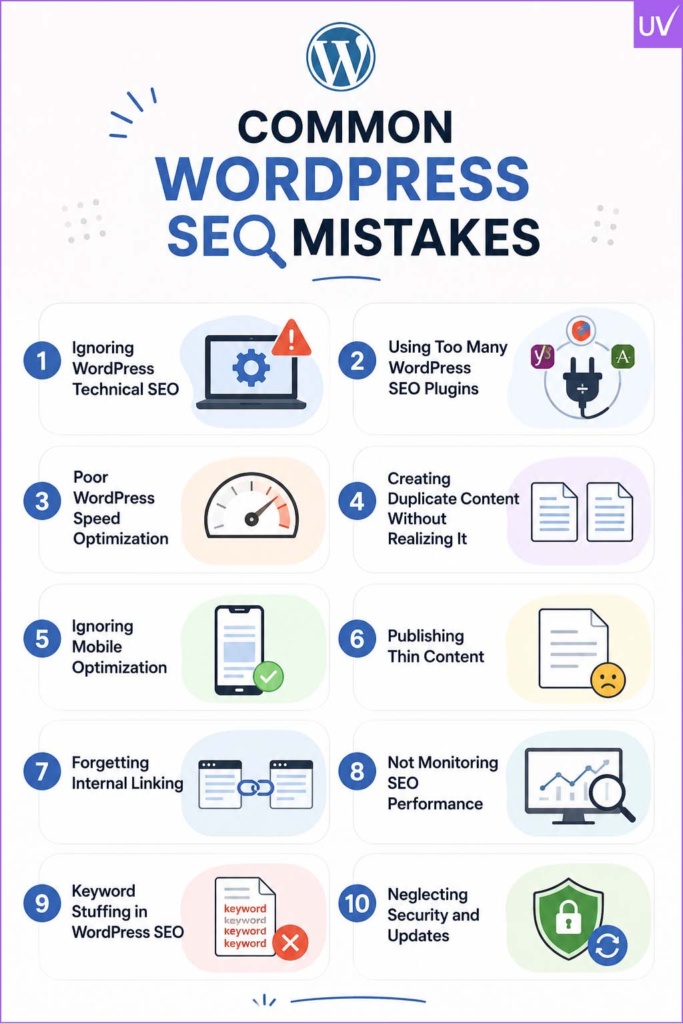
1. Ignoring WordPress Technical SEO
Ignoring WordPress technical SEO is a huge killer of rankings. Most site owners think only about keywords and backlinks and ignore the health of their website’s backend.
Common Technical SEO Issues
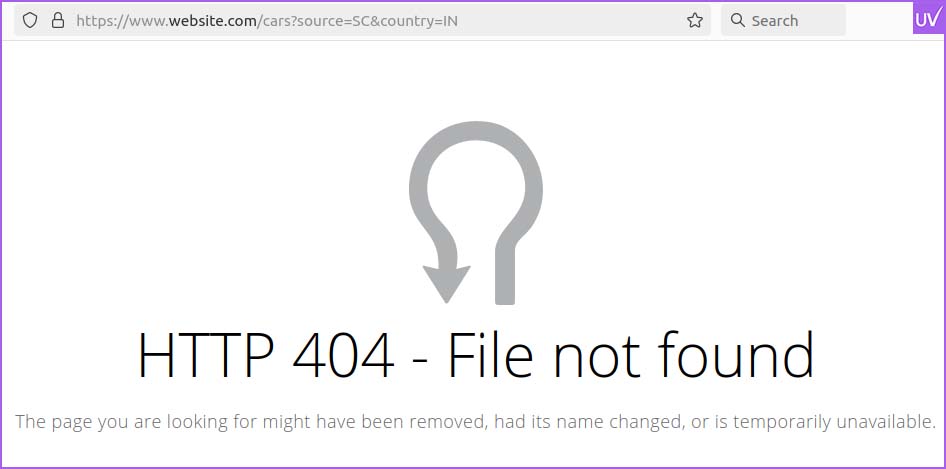
- Broken links
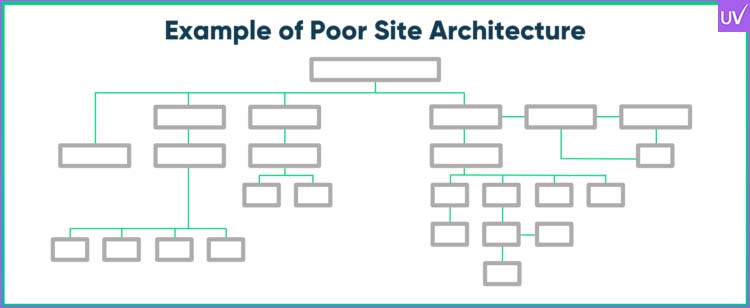
- Poor site architecture
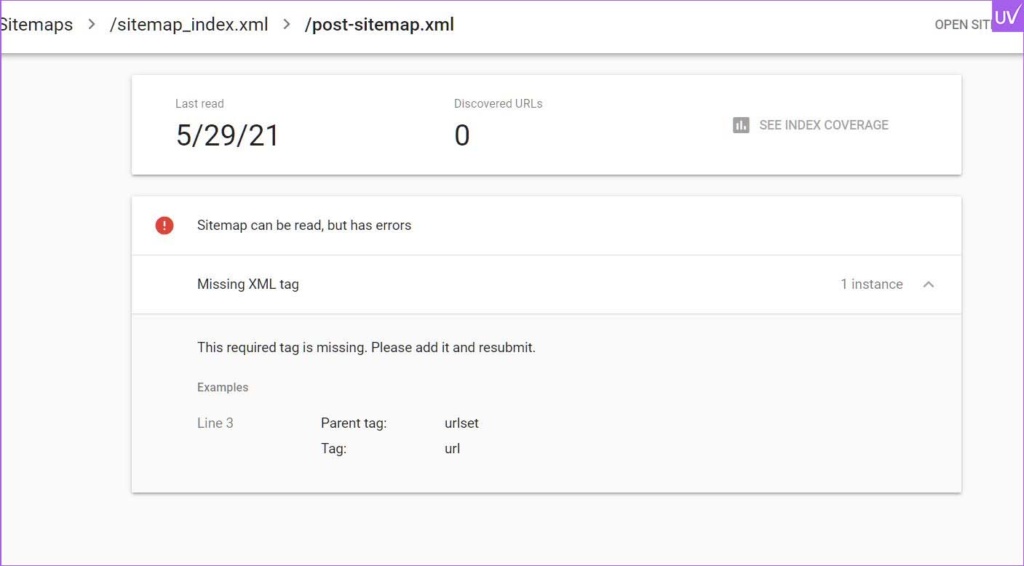
- Missing XML sitemaps
- Improper redirects
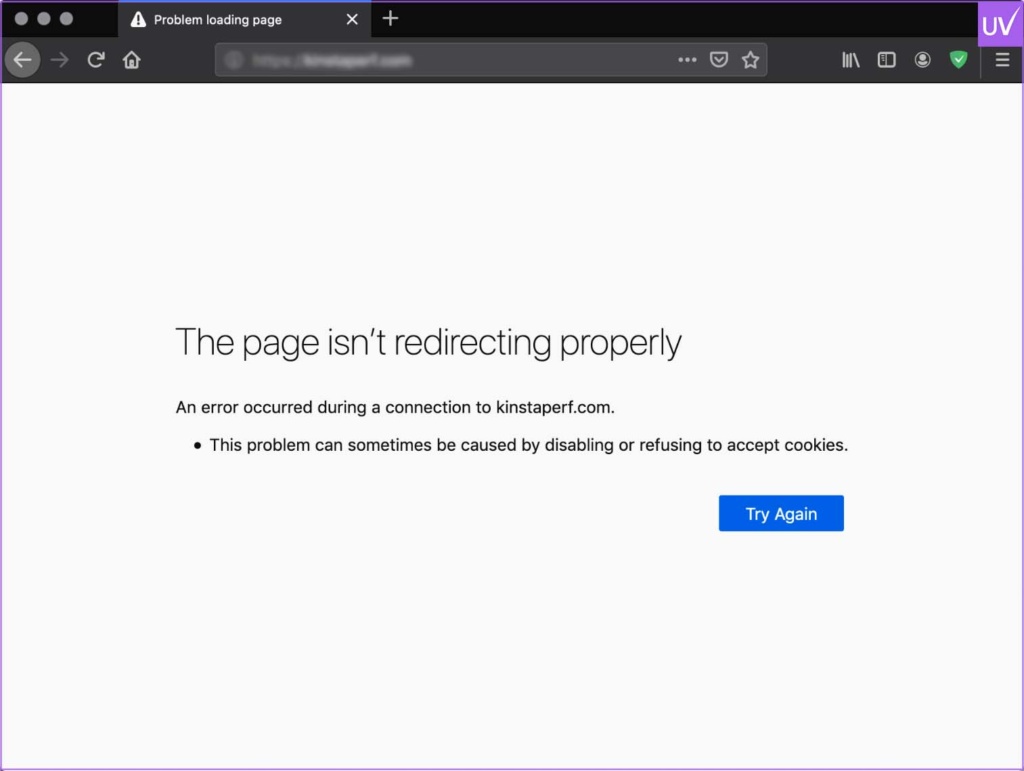
- Crawl errors
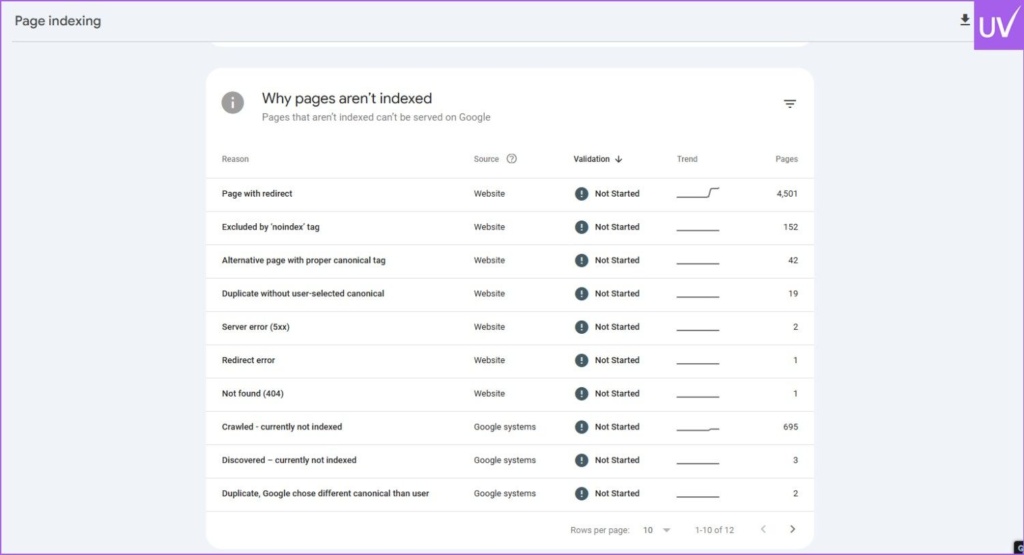
- Unoptimized robots.txt files
- Slow server response times
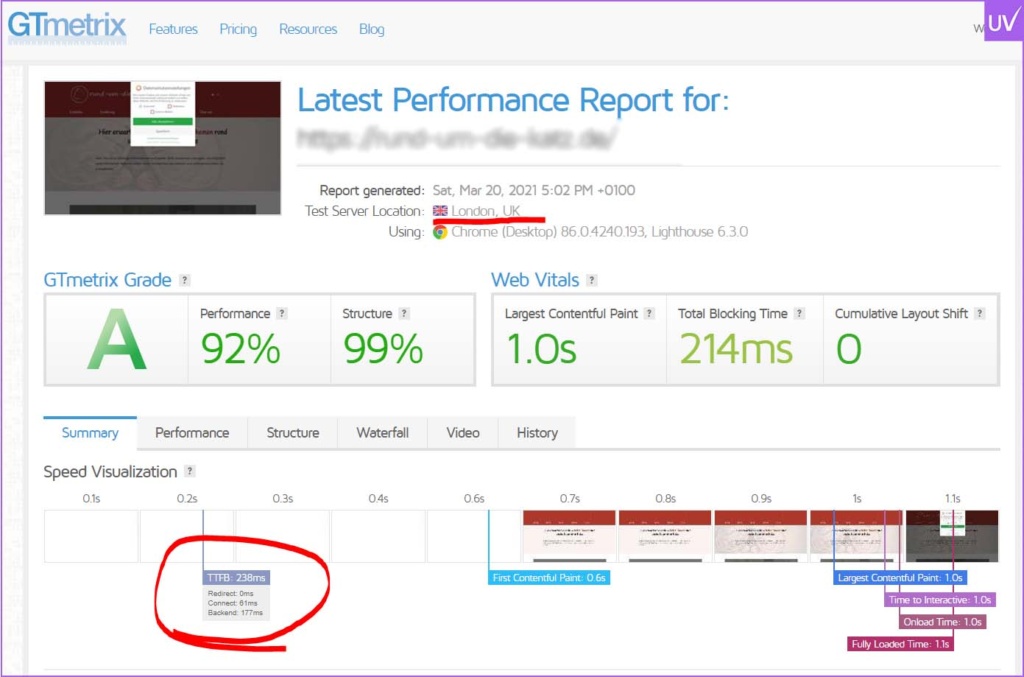
Google’s crawlers need to understand your site structure efficiently. If your technical set-up is a mess, search engines will have a hard time indexing your pages properly.
How to Fix It
- Submit XML sitemaps through Google Search Console
- Fix crawl errors regularly
- Use clean permalink structures
- Add schema markup
- Optimize robots.txt
- Ensure HTTPS is enabled
Before optimizing technical SEO elements, make sure you've completed a thorough WordPress website checklist to prevent common launch mistakes that can impact crawling, indexing, and search visibility.
The engine under the hood is solid technical SEO. You may not see it, but Google does.
2. Using Too Many WordPress SEO Plugins
Here’s a common mistake that a lot of beginners make: installing all the SEO tools they can find.
Although WordPress SEO plugins are a necessity, using too many optimization plugins can cause conflicts, duplicate metadata, and a slow site.
Problems Caused by Excessive Plugins
- Slower loading speed
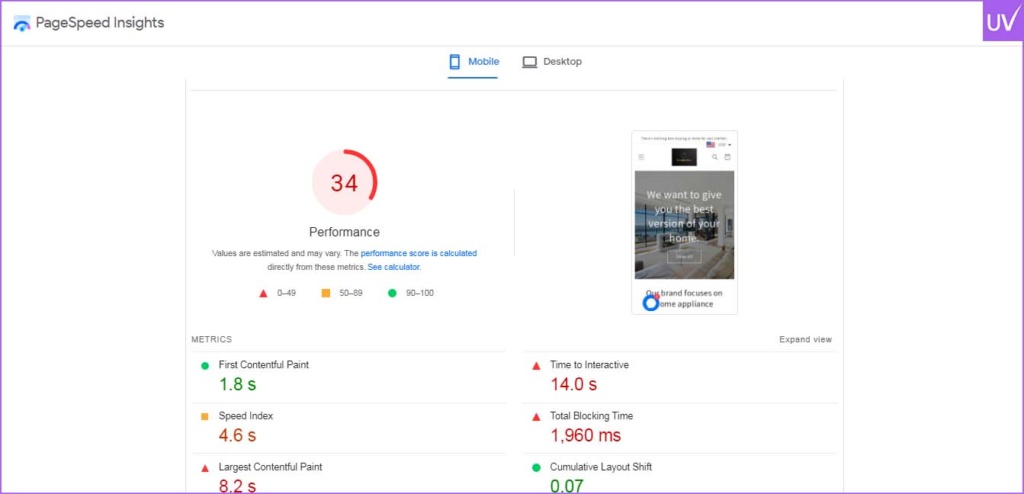
- Plugin conflicts
- Duplicate canonical tags
- Broken schema markup
- Security vulnerabilities
Some website owners run Yoast SEO, Rank Math,
One SEO and another schema plugins at the same time. That’s way over the top.
Best Practice
Choose one reliable SEO plugin and configure it effectively.
Popular options include:
- Yoast SEO

- Rank Math
- All-in-One SEO
A good configuration of one plugin is worth ten poorly configured plugins.
3. Poor WordPress Speed Optimization
Nobody likes a slow website, neither users nor Google.
WordPress Speed Optimization Page speed is now a direct ranking factor because it impacts user experience. A one-second delay can result in a huge increase in bounce rates.
Signs Your Site Is Too Slow
- Images load slowly
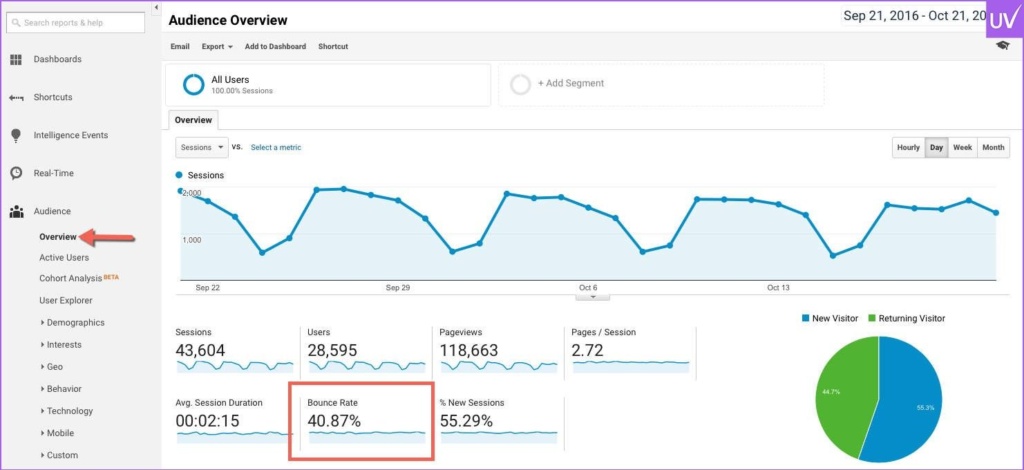
- High bounce rate
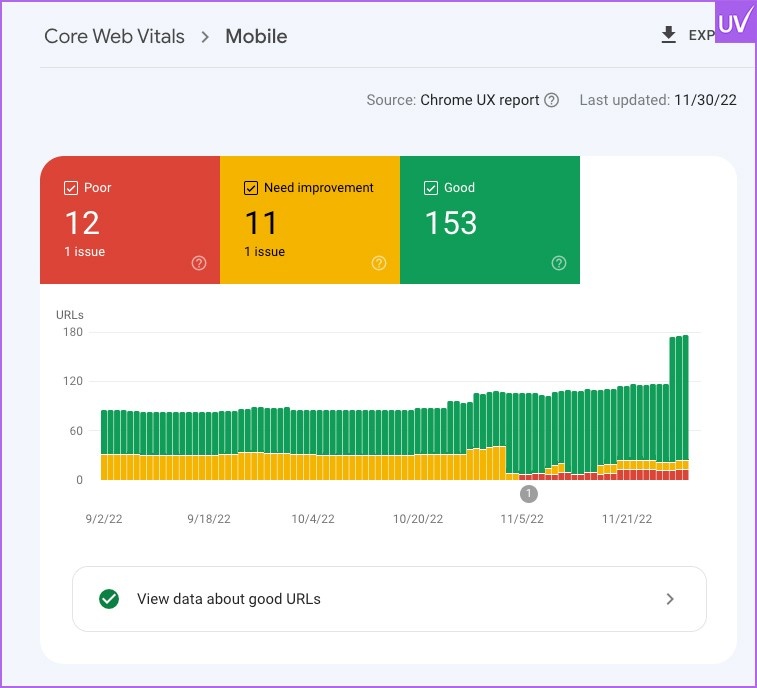
- Poor Core Web Vitals
- Delayed mobile performance
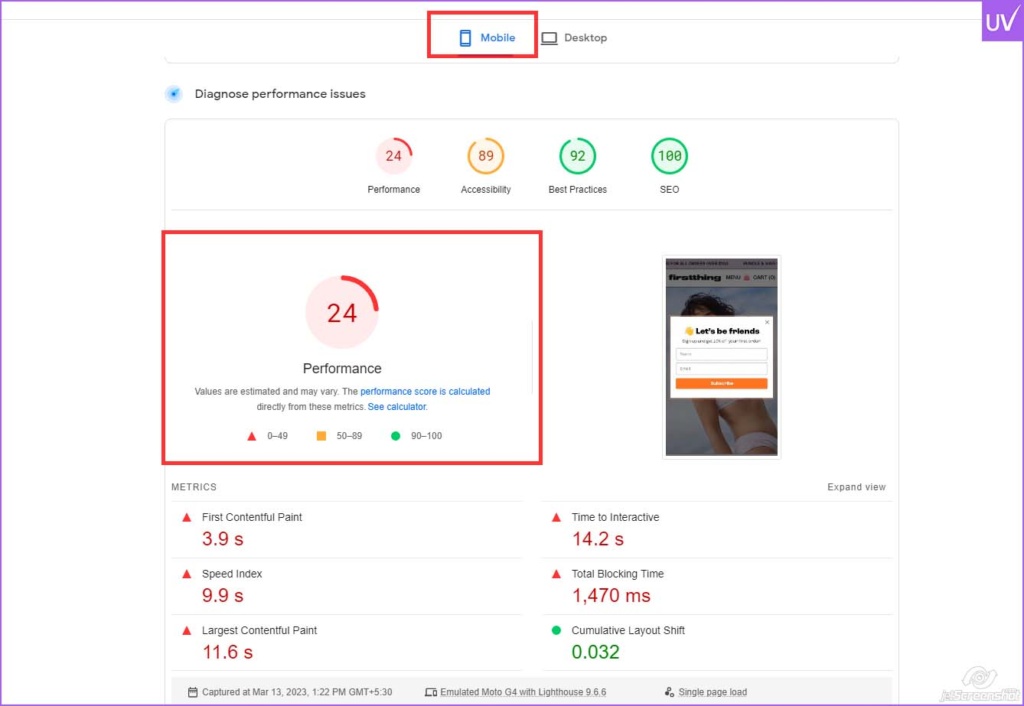
- Server lag
According to studies by Google, users will leave websites if they take more than a few seconds to load.
How to Improve WordPress Speed Optimization
Compress Images
Large images are one of the major performance killers. Utilize tools like:
- TinyPNG
- ShortPixel
- Imagify
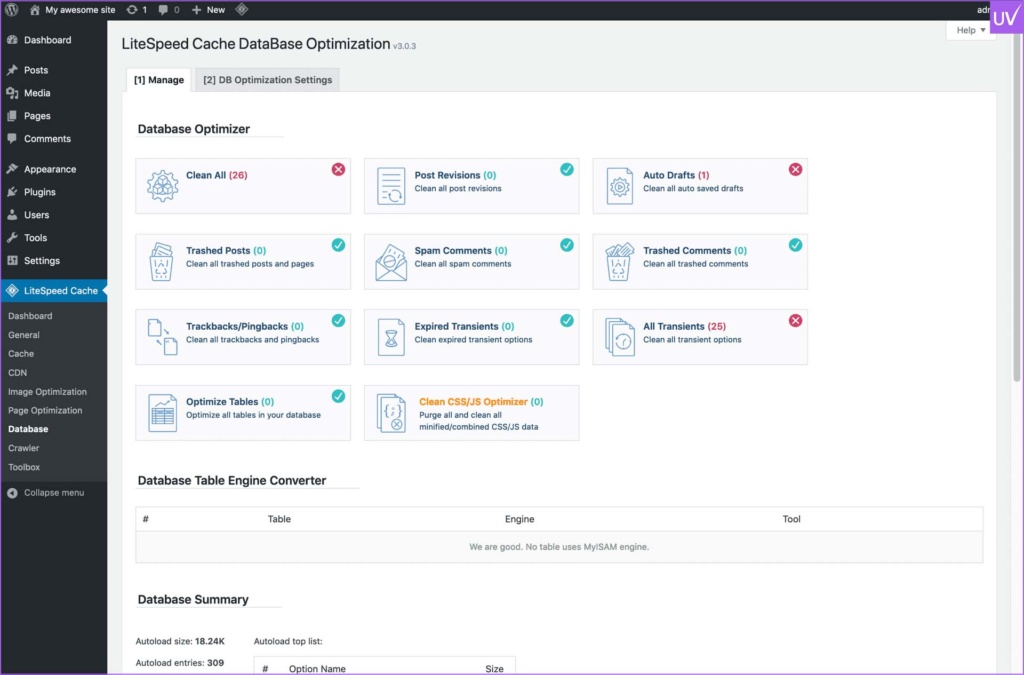
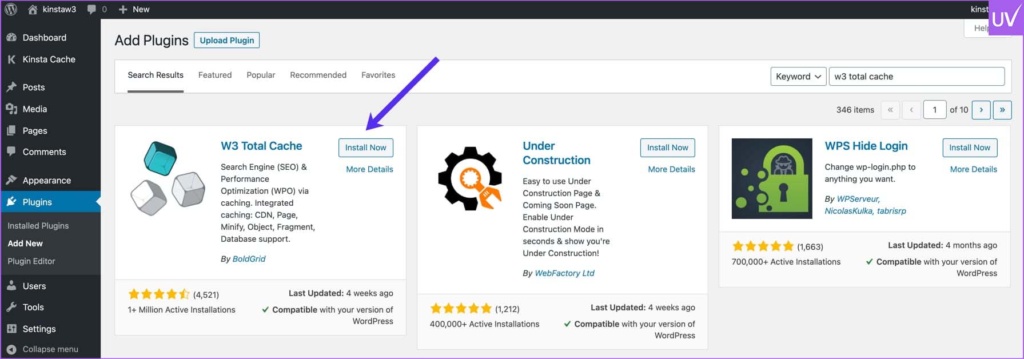
Use Caching Plugins
Caching helps reduce server load and speeds up delivery.
Use the following plugins:
- WP Rocket
- LiteSpeed Cache
- W3 Total Cache
Choose Better Hosting
Cheap hosting often kills performance. Poor uptime on shared servers will badly hurt rankings.
Minify CSS and JavaScript
Less code = Faster loading speed.
Use a CDN
A Content Delivery Network helps in delivering content faster worldwide.
Speed is no longer an option in SEO; it’s a necessity for survival.
4. Creating Duplicate Content Without Realizing It
Duplicate content is one of the most sneaky SEO issues in WordPress.
Many sites accidentally create duplicate pages by using categories, tags, archives, pagination, and URL parameters. This creates major WordPress duplicate page SEO problems.
Why Duplicate Pages Hurt Rankings
Google becomes confused about:
- Which page to rank
- Which version is original
- How link equity should be distributed
In result:
- Rankings drop
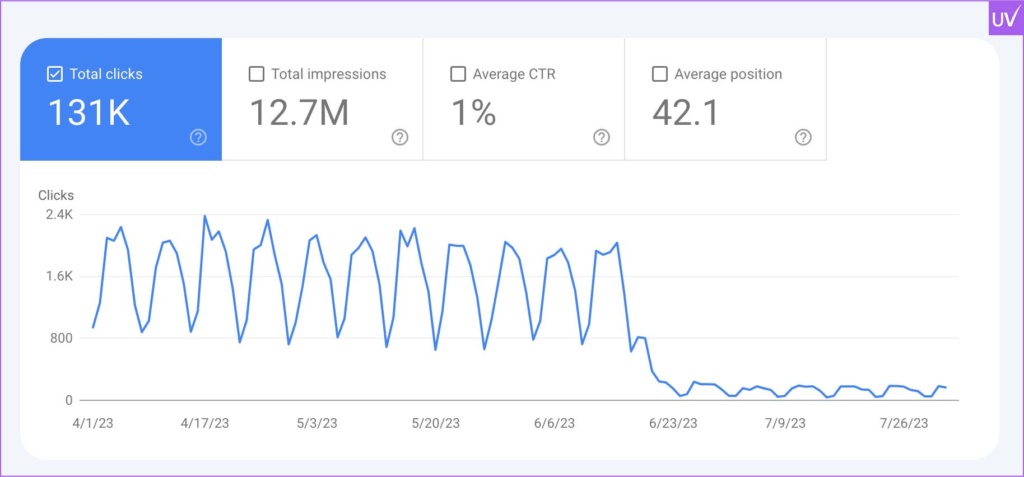
- Crawl budget gets wasted
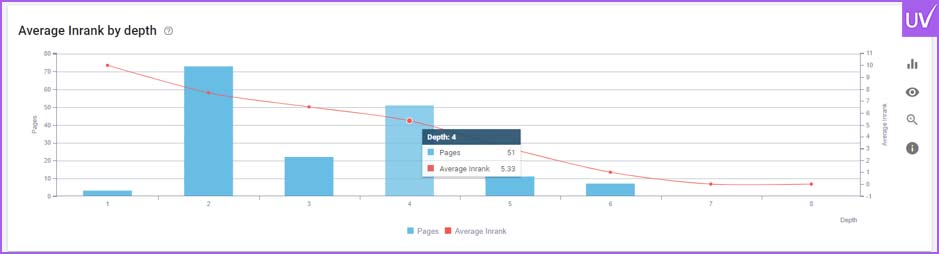
- Indexing issues appear
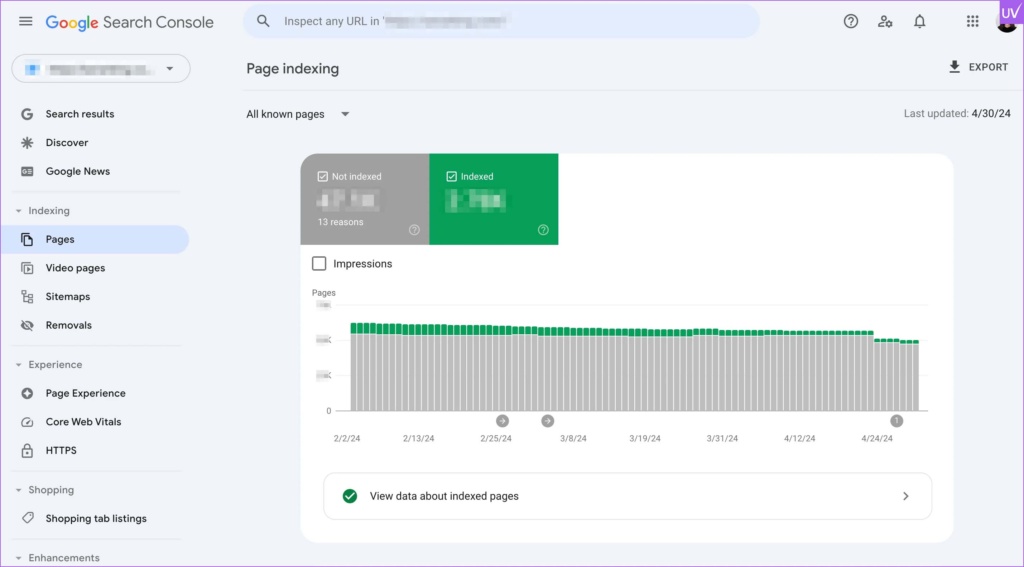
Common Causes of Duplicate Pages in WordPress
Tag and Category Archives
Badly managed taxonomy pages can create duplicate versions of blog content.
HTTP vs HTTPS Versions
If both versions are available, Google considers them different pages.
WWW vs Non-WWW
Consistency is key. Choose your preferred domain structure.
Printer-Friendly URLs
These usually create duplicate versions unintentionally.
How to Fix WordPress Duplicate Pages SEO Problems
- Use canonical tags
- Set preferred domain versions
- Redirect duplicate URLs properly
- Noindex thin archive pages
- Avoid publishing copied content
Audit your website regularly with the best SEO Chrome extensions to identify duplicate URLs, canonical issues, and indexing problems.
Right canonicalization helps Google find which page deserves ranking authority.
5. Ignoring Mobile Optimization
Most of today’s traffic is mobile, yet many WordPress websites still focus on desktop design.
Google uses mobile-first indexing — it focuses on your mobile version for rankings purposes.
Common Mobile SEO Mistakes
- Tiny fonts
- Slow mobile speed
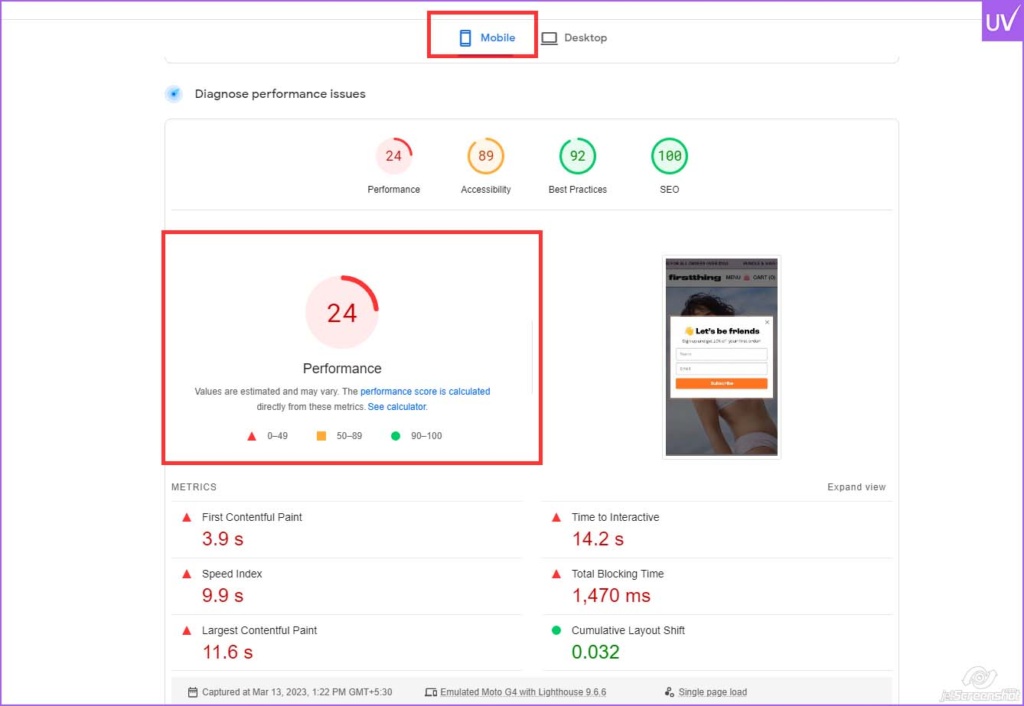
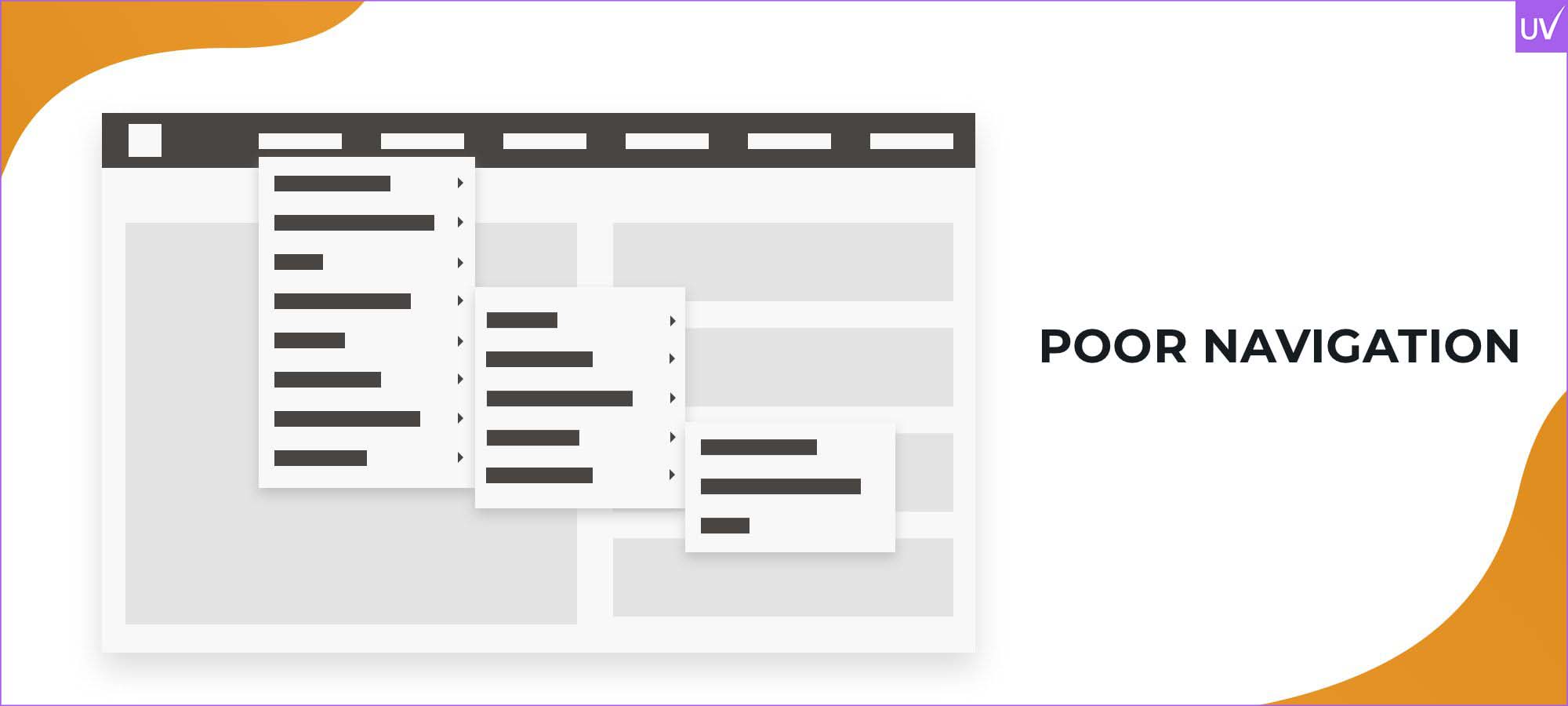
- Poor navigation
- Pop-ups blocking content
- Unresponsive layouts
How to Fix It
- Use responsive themes
- Optimize images for mobile
- Improve tap targets
- Test with Google Mobile-Friendly Tool
If your site frustrates mobile users, your rankings will eventually drop.
6. Publishing Thin Content
Publishing short, low-value articles is a quick way to lose visibility.
Google rewards content that shows:
- Expertise
- Depth
- Originality
- User value
Many WordPress sites churn out dozens of 300-word blogs hoping quantity trumps quality. It doesn't.
What High-Quality Content Looks Like
- Comprehensive explanations
- Real examples
- Actionable advice
- Updated statistics
- Proper formatting
- Strong readability
Whether you're managing content in-house or working with a professional content marketing company, the goal remains the same: create content that genuinely helps users find answers and make informed decisions.
Good SEO content solves problems. It’s not just about keyword targeting.
7. Forgetting Internal Linking
Internal linking is highly ignored in WordPress SEO.
Without proper linking:
- Search engines struggle to discover pages
- Link authority gets wasted
- Users leave sooner
Smart Internal Linking Tips
- Link related articles naturally
- Use descriptive anchor text
- Avoid overstuffing links
- Prioritize high-value pages
Internal links help Google find your website hierarchy and topical relevance.
8. Not Monitoring SEO Performance
Many businesses “set and forget” SEO
That's a sign of disaster.
SEO is an ongoing process because:
- Algorithms change
- Competitors improve
- Technical errors appear
- Rankings fluctuate
Essential Tools
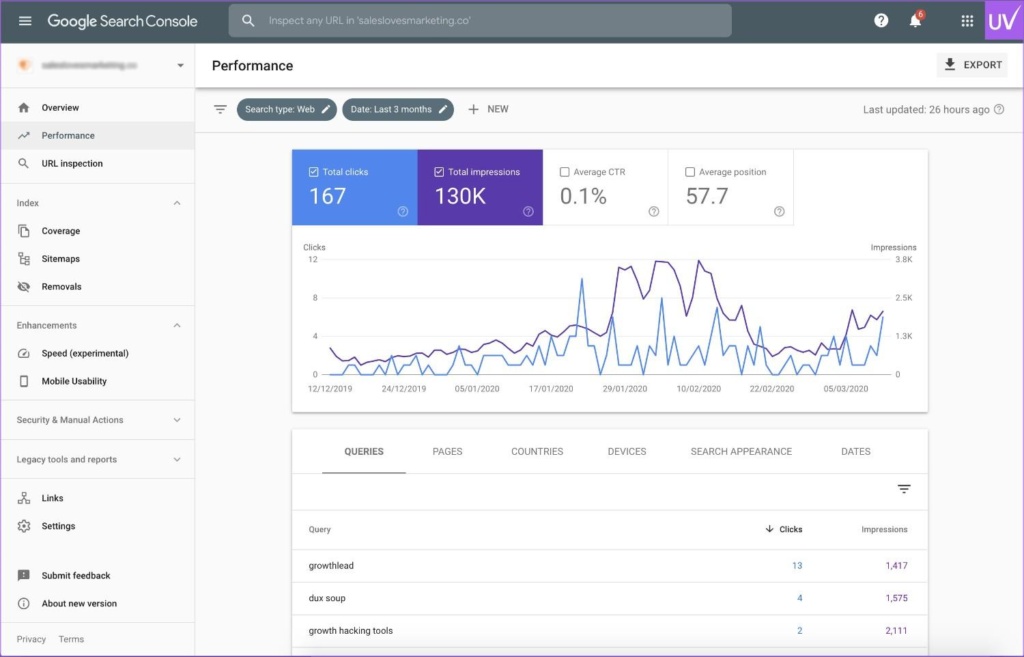
- Google Search Console
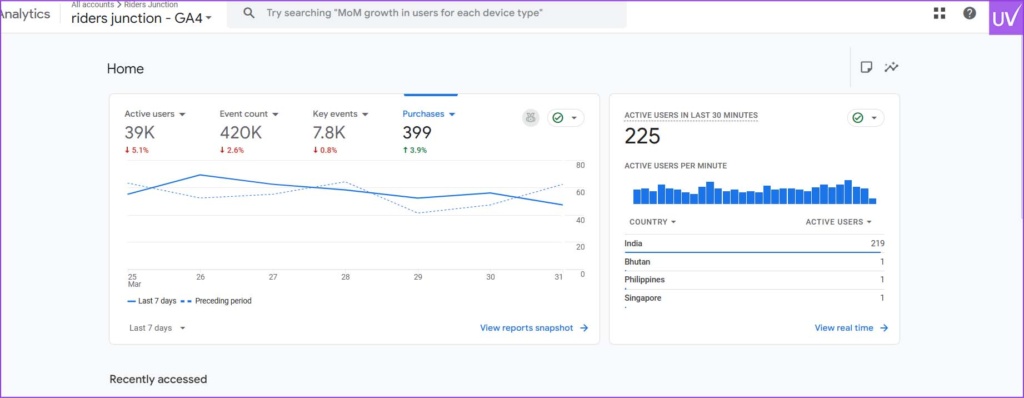
- Google Analytics
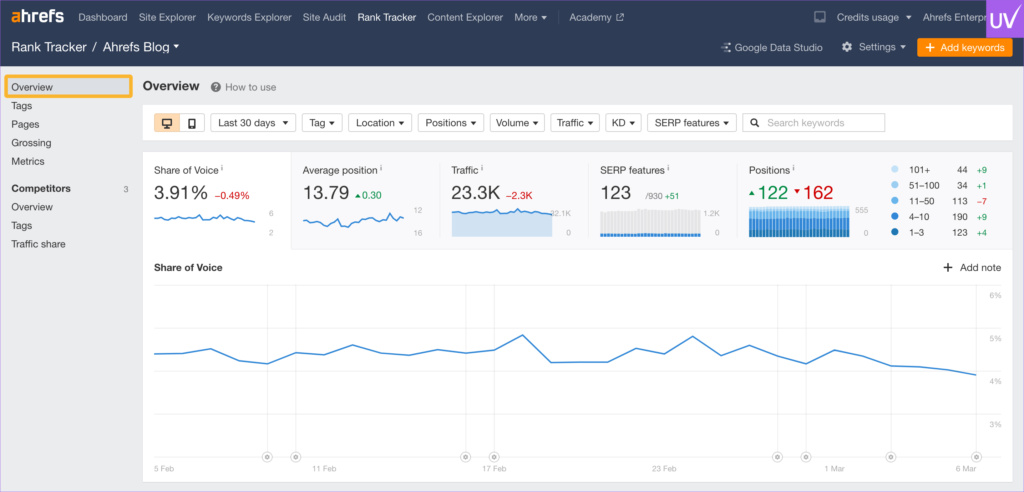
- Ahrefs
- SEMrush
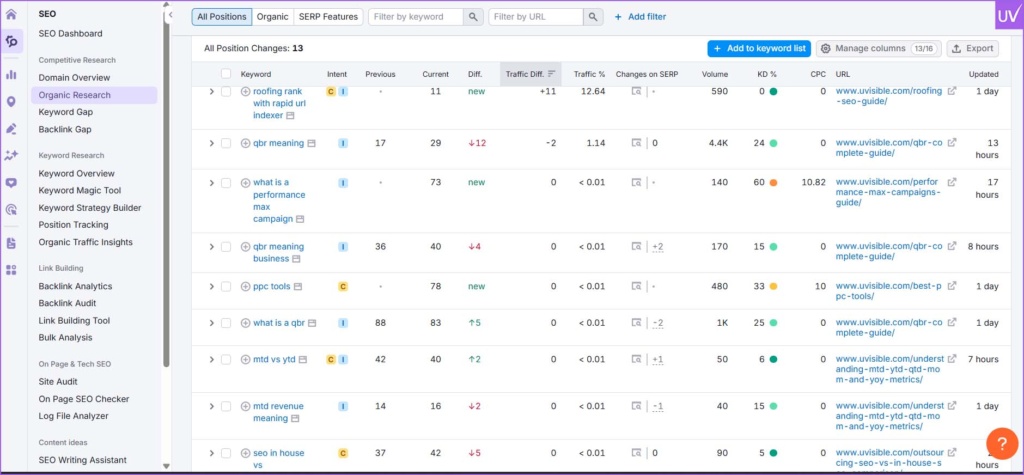
Data tells you what’s working and what needs fixing before traffic drops.
9. Keyword Stuffing in WordPress SEO
Keyword stuffing everywhere worked years ago.
Today? It kills readability and can cause ranking penalties.
Bad Example
“Best WordPress SEO services for WordPress SEO sites in need of WordPress SEO optimization.”
That sounds like a robot and spammy.
Better Approach
Use natural language that is easy to read and understand.
Now search engines are smarter. They understand context. They understand synonyms. They understand semantic relevance.
10. Neglecting Security and Updates
WordPress websites that are out of date are susceptible to malware, hacks, and spam injections.
A compromised website may:
- Lose rankings overnight
- Get deindexed
- Display harmful redirects
SEO Security Essentials
- Update themes/plugins regularly
- Use strong passwords
- Install security plugins
- Enable SSL certificates
- Schedule backups
SEO and security are connected at the root.
Final Thoughts
It takes more than merely installing haphazard plugins and adding keywords to achieve strong WordPress SEO. It involves creating a quick, user-friendly, technically sound website that search engines will trust.
Over time, rankings can be quietly destroyed by ignoring WordPress technical SEO, abusing WordPress SEO plugins, neglecting WordPress speed optimization, and failing to fix WordPress duplicate page SEO issues.
The good news? Once found, the majority of these problems can be fully resolved.
Avoiding these common errors gives your website a significant competitive edge in search results, but SEO success doesn't happen quickly.
Need Help Improving Your WordPress SEO?
Uvisible can assist if your website is having trouble with rankings, technical problems, duplicate content, or poor performance.
To increase visibility and generate genuine organic traffic, their team specializes in WordPress SEO, advanced WordPress technical SEO, site audits, content optimization, and WordPress speed optimization.
Uvisible helps transform underperforming WordPress websites into high-ranking growth engines, regardless of whether you run a blog, an eCommerce store, or a corporate website.
As a trusted search engine optimization company, Uvisible focuses on technical SEO, content optimization, and long-term organic growth strategies that help businesses improve visibility, traffic, and conversions.
About us and this blog
We are a digital marketing company with a focus on helping our customers achieve great results across several key areas.
Request a free quote
We offer professional SEO services that help websites increase their organic search score drastically in order to compete for the highest rankings even when it comes to highly competitive keywords.
Subscribe to our newsletter!
More from our blog
See all posts




Recent Posts
- Zero-Click Searches: How to Still Get Traffic in 2026 June 29, 2026
- WordPress SEO Mistakes That Hurt Rankings June 15, 2026
- E-commerce SEO Audit Checklist for Shopify Stores June 1, 2026